Posted on 4 Comments

THE FRENCH DART SHIFT | new sewing pattern release!

MAVEN PATTERNS FDS VERSION C


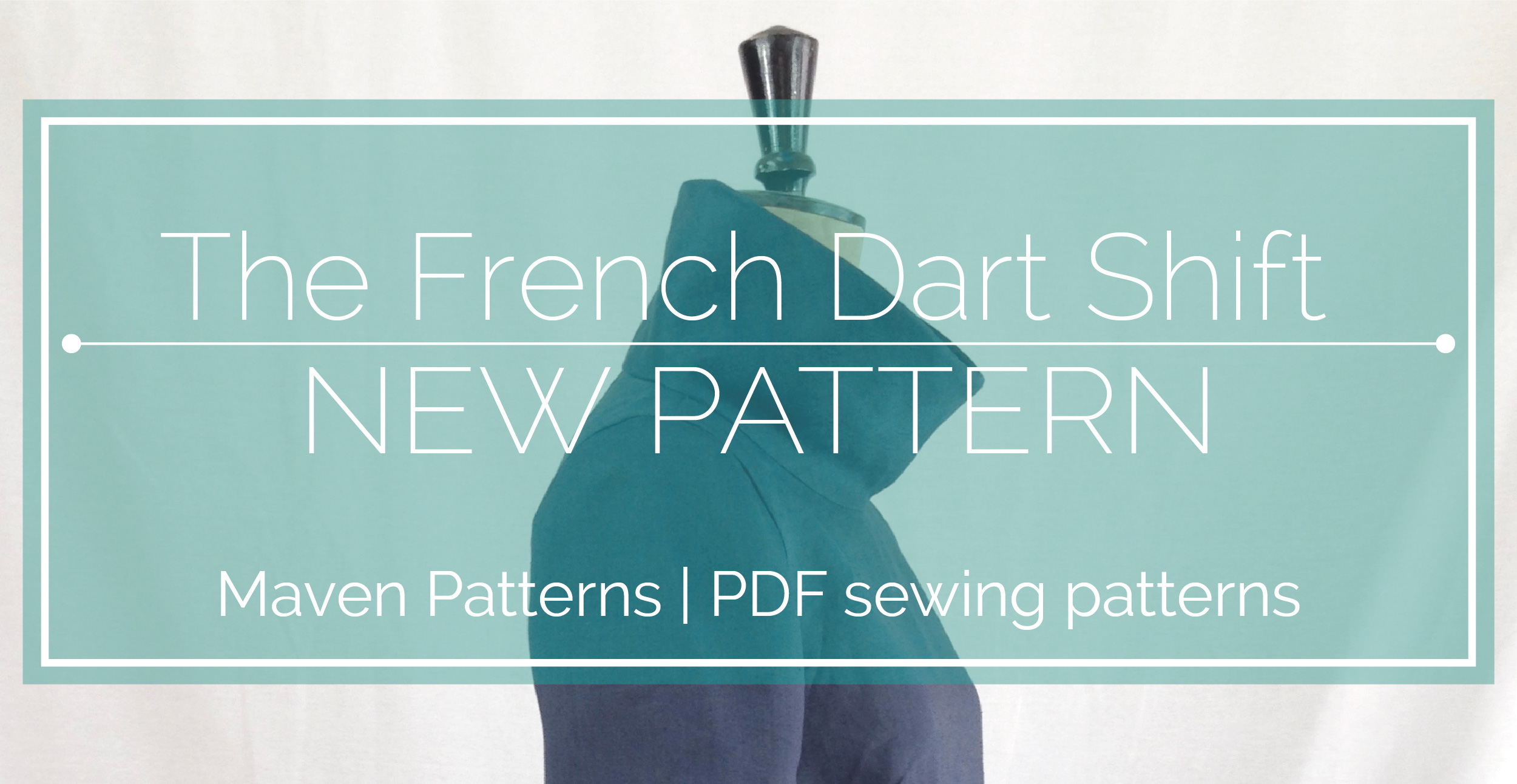
The French Dart Shift… a new sewing pattern…coming soon to my ETSY shop!

A little sneaky look at VERSION C of the next Maven Sewing Pattern.

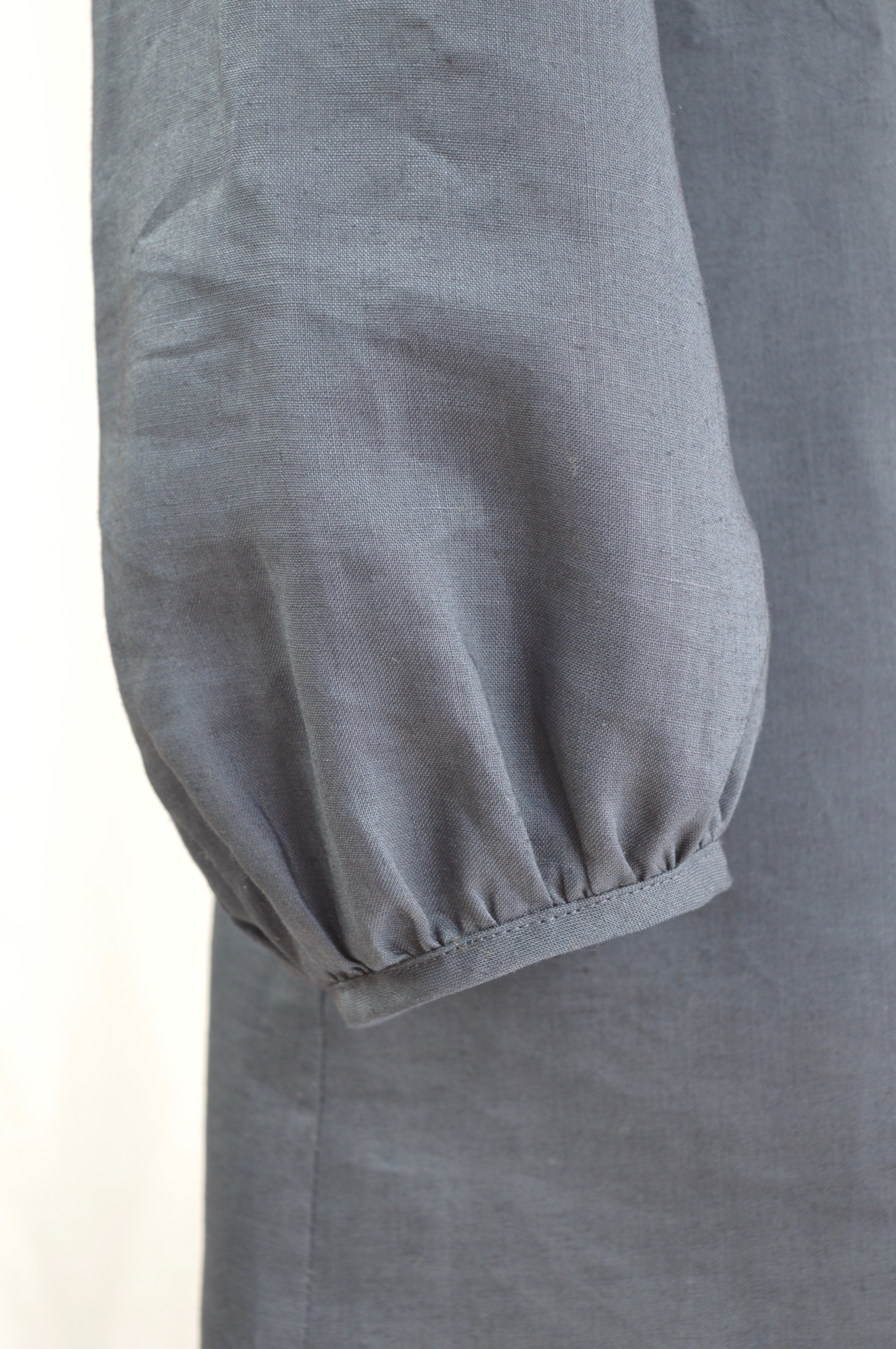
This is the third sleeve option: a long sleeve with a gathered cuff, finished with bias binding. The pattern also includes a short sleeve and a cap sleeve option.  This is one of my most favourite garments I’ve made, it’s so simple and easy to wear…this is actually blue linen tunic #2, the first one had short sleeves, but I’ve worn it so much, usually over my jeans, that it now has holes in the underarm!

The collar is designed to be worn rolled down, you know…sixties style….but it made a such a great photo standing up – I can’t actually promise how practical it is to wear with the collar standing up, but hey…it looks good! Talking of practical, there are in-seam pockets at the side seams, always useful.

MAVEN PATTERNS_FRENCH DART SHIFT_SEWING PATTERN


MAVEN PATTERNS_FRENCH DART SHIFT_SEWING PATTERN

MAVEN PATTERNS_FRENCH DART SHIFT_SEWING PATTERN

MAVEN PATTERNS_FRENCH DART SHIFT_SEWING PATTERN

MAVEN PATTERNS_FRENCH DART SHIFT_SEWING PATTERN

Posted on

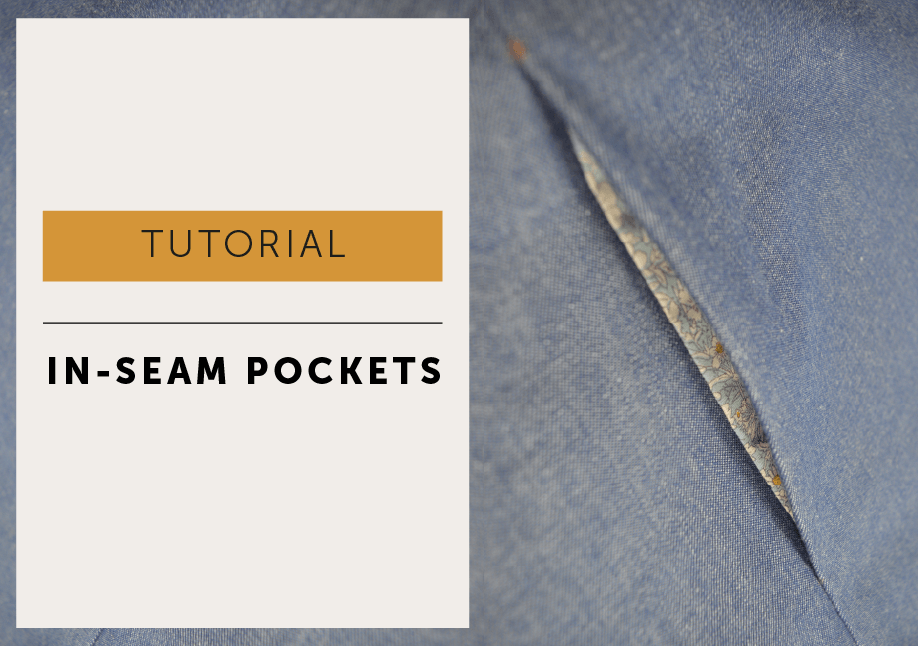
In-seam pocket Tutorial

I DO LOVE a side seam pocket. They are nicely hidden in the side seam so unobtrusive and don’t disrupt the line of a fantastically printed fabric. And I find it very annoying not having somewhere to shove my hands!

Our signature In-seam (side seam) pockets are a regular feature on Maven Sewing Patterns.  My pockets may look a little unusual to you, but bear with me, I developed the pattern and technique especially to combat a few of the things that annoy me about pocket construction.

IN SEAM POCKET TUTORIAL_MAVEN PATTERNS-07

Problem 1: Overlocking

So, here’s the thing… you may look at the pocket bags on this pattern and think…Mrs M, really what the ???? I’ll admit they may look a little odd at first glance, with the curvy bit added, but I do have a very good reason: I feel this method gives a much better result.

My problem with the usual way of making pockets that sit at the side seam is you can’t overlock around the pocket bag in one easy motion. Generally, you are told to neaten the edge of each pocket bag separately which just isn’t as strong. And end up having to pull the seam ‘straight’ to catch all of it in the awkward little angle created, which is a pain and eventually the overlocking just pulls away in the wash leaving a raw fraying edge exposed. Mmmm…messy.

Side note – I’m going to say overlocking a lot but replace with zig zag stitch or your preferred seam neatening term.

Problem 2: Snipping

And the other problem, with some methods, was sometimes having to snip into the seam allowance to get them to lie flat in the direction you want. It’s a pet hate, I don’t like doing ‘the snipping’ . in fact, I hate snipping and clipping unless I REALLY have too because it makes a weak point on your seam.

Problem 3: Concealed

I wanted the seam off set from the side seam, so it was less visible.

So what I wanted was a pocket bag I could overlock everything easily and together so it is stronger, and NO snipping into the seam.And the pocket bag is set back a little from the side seam so shows less when being worn. And I wanted to press the side seam open. I thought I was really easy-going until I started writing sewing instructions!

The In-Seam pocket Tutorial

Firstly cut out your garment, make sure you cut 2 pairs of pocket bags (so you have 4 bags in total). Transfer the marker dot positions to your garment (chalk, tailor tacks – whatever works for you. I’ve used neon orange pen so it would show in the photos – I don’t recommend it!)  

Spot fuse the strip of fusible interfacing to the pocket mouth on the FRONT body.

A NOTE ON SEAM ALLOWANCES – Images are shown with 1cm side seam allowance + 6mm seam allowance to attach pocket bag. Some patterns have different seam allowances; 1.5cm side seam allowance + 1cm seam allowance to attach pocket bag which will be shown on your pattern. These are shown in brackets below but the technique is the same!

Step 1

MAVEN PATTERNS_IN SEAM POCKET TUTORIAL

Place the pocket bags to the front and back garment, with right sides of the fabric facing each other, and so the notches on the pocket bags line up with the side seam notches and stitch together with a 6mm (1cm) seam allowance. Overlock (or neaten with your usual method) the raw edge of the pocket bag and garment together, starting and finishing about 3cm either side of pocket bag – (shown in green thread).

UPDATE – On the back seam – rather than starting the overlocking just above the pocket bag – start at the top of the seam and overlock the entire seam right down to the hem.  It’ll save you having to go back and overlocking the rest of that seam later. Which means you’ll have 1 less process to do and save at least 30 seconds – you’re welcome!

Step 2

MAVEN PATTERNS_IN SEAM POCKET TUTORIAL

Press the pocket bags AWAY from the garment and understitch on the front pocket bags.

Step 3

IN SEAM POCKET TUTORIAL 4A-04

SIDE SEAM:

Pin with right sides of fabric facing each other, line up the marker dots on the front body with the corresponding one on the back body.

Take a 1cm (1.5cm) seam allowance, start at the underarm and stitch down to the first marker dot, PIVOT * and stitch from the dot across the pocket bag until you are back at a 1cm (1.5cm) seam allowance on the pocket bag. (The stitch line is marked on the pattern piece, so you could transfer the line across with chalk and a ruler if you wanted).

Carry on around the pocket bag, and stitch TO the next marker dot, PIVOT again and continue down to the hem.

It’s a good idea to reinforce each of the corners at the pivot point as in-seam pockets can take quite a lot of stress. Set your machine to a smaller stitch length and just stitch a second machine row DIRECTLY ON TOP of your first row of stitching about 3cm either side of each marker dot.

Don’t forget to put your stitch length back to your normal setting.

*TO PIVOT – Stitch to the marker dot, leave your machine needle IN your garment, lift your machine foot and turn your work in the direction you want to stitch, drop your foot back down and continue to stitch – makes a nice tidy corner.

Step 4

MAVEN PATTERNS_IN SEAM POCKET TUTORIAL

Press the pocket bags towards the front body.

Press the side seams OPEN above and below the pocket bag, as far as you can. Overlock the front side seam first, all the way around the pocket bag – it’s easier because of the curved shape!!!

THIS NEXT STEP IS FROM THE ORIGINAL METHOD – you can skip this step if you are following the updated method and have already neatened the full length of the back seam. On the back side seam: overlock (shown in pink) from the top of the seam down to the pocket bag and overlap the new overlocking (pink thread) over the original overlocking (green thread), so there are no raw edges. Restart the overlocking below the pocket bag, again being sure to overlap as before, so the entire seam is neatened.

Give the pocket a gentle final press.

MAVEN PATTERNS_INSEAM POCKET TUTORIAL 2016

And from the right side…Tis a thing of beauty!

Posted on

How to use the Layers Feature when printing PDF patterns

Have you ever wondered how to use the layers feature when printing a PDF sewing pattern? Our quick little guide will help you to easily turn layers within your PDF pattern on and off so you can just print the sizes you need. Using the layers feature in Adobe Reader when printing your PDF sewing pattern can make complicated patterns or ones with lots of sizes easier to follow and can help you save some ink, which has got to be a good thing .

Learn how to print and assemble a PDF sewing pattern at home with our easy and straight-forward PDF PRINTING GUIDE HERE.

HOW TO USE THE LAYERS FEATURE TO PRINT A PDF SEWING PATTERNS

The Layers tool is great, it means you can toggle sizes on and off and only print the size (or sizes) you want. I know, it’s really quite splendid! One snag, it’s currently only available on the desktop version, not the mobile App version of Adobe Reader.

So how does it work? Well, want to make a size 16?  Toggle off to ‘Hide’ the other sizes and just print that one size 16. Or, are you between a size 10 and 12? Turn off the other sizes and leave the two sizes you want visible before printing, this makes it easy to see and blend your between your sizes now. 

No more pick a line, and hope you’re cutting the correct one for your size, there only is your size. And, as a little added bonus, only printing the size you want saves ink too!

Oh yeah, like I said, layers is a great feature!

So you’re convinced LAYERS is amazing, so here’ s how to use the layers feature:

(Not convinced? You can just leave them all on and carry on as usual and print the full range of sizes)

Open up your layered pattern and make sure you are using the latest version of Adobe Acrobat Reader.

MAVEN PATTERNS LAYERS TUTORIAL 2016

On the left you can see a menu, look for the LAYERS icon. It looks like 3 diamonds (or sheets of paper, I can’t decide) on top of each other.

MAVEN PATTERNS LAYERS TUTORIAL 2016

Click the LAYERS icon to open and a panel will fly out, showing two options if you have a combined instruction and pDf pattern file. The first bar is for the Maker Instructions (the instructions have NO layers) and the second bar is for the PATTERN (later patterns will not show the instructions option).

CLICK the + icon on the PATTERN HEADER BAR to release the DROP DOWN MENU.

MAVEN PATTERNS LAYERS TUTORIAL 2016

TA-DA! All the layers are listed so you can easily select your size(s). To toggle the layers on and off, just click the eyeball icon next to each layer name.

MAVEN PATTERNS LAYERS TUTORIAL 2016

Leave the eyeball ON to print a layer, eyeball OFF to hide a layer. Now you see it, now you don’t!

LOCKED LAYERS

For this pattern you can see two layers are locked, the pocket layer and the tiling layer that contains pattern and the print test square information relevant to every size. This will vary slightly from pattern to pattern but the locked layers will protect the layers you really don’t want to turn off by mistake. 

TOP TIP: Before you print, just double-check you have everything you want to print selected because the only thing worse than a pattern with lots of lines, is a pattern without any lines! And don’t forget to print the test square.

So there you go, all the benefits of a layered pattern in one little post. Enjoy!

join the gang! NEWSLETTER SIGN UP!

Posted on

How to Gather Fabric Tutorial

how to sew gathering a step by step tutorial

How to sew Gathering: An easy way to sew gathering.

I’ve always avoided sewing garments that had lots of gathering, it seemed like such a lot of work. But with my next pattern release, The Wendy Artisan Smock, I couldn’t really escape it as the whole neckline is gathered and then bound – talk about facing your sewing demons – I’ve now made so many samples, that gathering necklines has actually become quite therapeutic!

So anyway, there is always more than one way to stitch anything, but this is my straightforward method for how to gather fabric using a sewing machine.

UPDATE / I have a new gathering tutorial which a little more in depth – HERE

Maven Patterns - gathering tutorial

How to sew Gathering (as in The Wendy Maker Instructions)

Set your stitch length to the LONGEST possible stitch length for your machine.

You need to stitch 2 rows in the seam allowance, parallel to each other, the first about 3mm from the edge of the fabric. These MUST NOT CROSS each other! Leave long ends to the threads.

Maven Patterns - gathering tutorial

In the case of The Wendy Smock, we’re gathering a neckline that is to be finished with binding, so it’s quite a long run of gathering. I found the best way to manage this was to work in sections (front, back and shoulders), stopping and the restarting at each seam. If your run of gathering is too long, the threads break – trust me, that can be just a little bit annoying.

Pull up the two long threads that are facing you (ignore the ones at the back) and gently slide the fabric along until gathers form, you can work from both ends.

Maven Patterns - gathering tutorial

Continue pulling up the threads until your fabric is gathered to the correct measurement, then wrap the excess fabric temporarily around a pin to hold. Continue along the neckline until it’s all gathered.

Maven Patterns - gathering tutorial

Double check your gathering is pulled up to the correct measurements, try your Wendy Smock Top on and see if it sits right on you. More gathers will make a smaller neckline and less will make a wider neckline, remember to make a note of the new measurements if you change them! When you are happy tie the threads securely together to fix them – you could stitch them in place by hand if you prefer, especially if you are not finishing your garment now.
Then all you need to do is make sure all your gathering is spread evenly before you finish your neckline. Oh yeah, and don’t forget to set your machine BACK to normal stitch length, it’s not like I’d forget to do something like that…

Happy sewing! Mrs M x